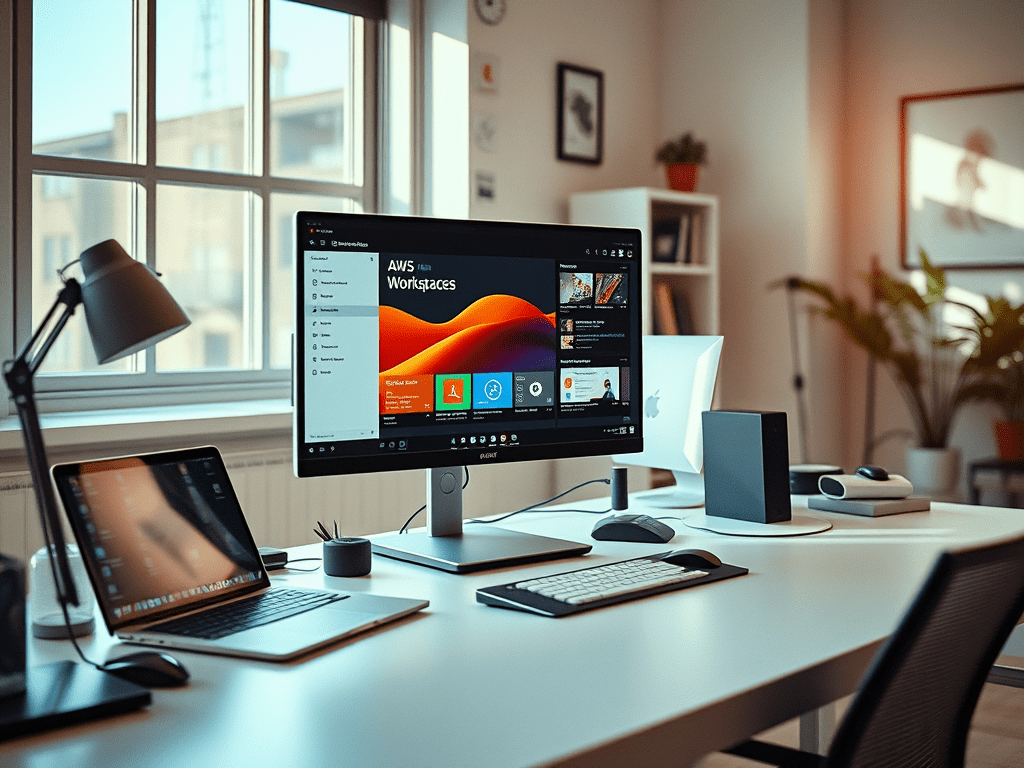
As we all know AWS EUC provides desktops and applications services through its EUC platform. AWS EUC comprises of AWS Workspaces, Workspaces Core, AppStream 2.0, Secure Browser and Workspace Thin client. AWS Workspaces enables administrators to provision cloud-based virtual desktops for their end-users. The desktops are not limited to Windows operating systems but also hosts for Linux, Ubuntu operating systems. In no time administrators can spin-off new machine and deliver it to the user. Also, it is easy to add and remove users from the group or lists.
Earlier AWS Workspaces are considered to persistent desktops, and it is attached one to one and it’s belonged to that user. Recently AWS EUC brought new addition called Workspaces pool. Now Amazon Workspace allows you to choose between Workspace Personal and Workspace pools based on the organization needs.
- WorkSpaces Personal – Choose WorkSpaces Personal if you need persistent virtual desktops that are tailored for users who need a highly personalized desktop provisioned for their exclusive use. This is like a physical desktop computer that’s assigned to an individual.
- WorkSpaces Pool – Choose WorkSpaces Pool for non-persistent virtual desktops that are tailored for users who need access to highly curated desktop environments hosted on ephemeral infrastructure.
Now administrators can create a pool of non-persistent virtual desktops using Amazon Workspace and share them across a group of users. As AWS administrator easily manage group of desktops including persistent and non-persistent virtual desktops using one GUI, command line or API powered tools.
In the AWS Workspaces pools environment when the user log in they always get access to a fresh workspace that’ based on the latest configuration for the pool. Based on the specific configuration user can configure certain application settings, such as browser favorites, UI settings and so on, like any other non-persistent VDI user can also access persistent file or object storage external to the desktop. This new feature provides end-user the flexibility and choice to support different use cases such as call centers, training labs, educational services. As mentioned earlier settings stored at S3 bucket or FSx so the required personalization can be achieved.

Unlike AppStream 2.0 on-demand requires 1-2 minutes of waiting time, similarly the Workspaces run only when users are streaming applications and desktops, The autoscaling feature helps you to provision Workspaces on demand. You are charged a lower stopped instance fee for WorkSpaces that are not yet assigned to users, and the running instance fee for WorkSpaces that are assigned to users.
AWS Workspaces pools come with Auto Scaling feature that helps in changing the size of your pools automatically to match the supply of available instances to user demand. The size of your pool determines the number of users who can stream concurrently. One instance is required for each user session. You can specify your pool capacity in terms of instances. Based on your pool configurations and auto scaling policies, the required number of instances will be made available.
The AWS administrator can define scaling policies that adjust the size of pool automatically based on a variety of utilization metrics and optimize the number of available instances to match user demand. There is an option choose to turn off automatic scaling and make the pool run at a fixed size.

The preceding diagram is conceptual logical architecture of the AWS Workspaces and AppStream. End-User will access desktops and applications through Workspaces client and HTML based browser. A WorkSpace bundle is a combination of an operating system, and storage, compute, and software resources. When you launch a WorkSpace, you select the bundle that meets your needs. The default bundles available for WorkSpaces are called public bundles. There are two operating systems that supports your pools deployments, that are mentioned below.
| Operating System | Licenses | Streaming protocols | Supported bundles |
| Windows Server 2019 | Included | WSP | Value, Standard, Performance, Power, PowerPro |
| Windows Server 2022 | Included | WSP | Standard, Performance, Power, PowerPro, Graphics.G4dn, GraphicsPro.G4dn |
Historically customers have the option to run non-persistent desktops through App Stream 2.0. Now client has option to address these requirements with Microsoft 365 applications through AWS Workspaces pool. AWS Workspaces now it is available in 12 AWS regions and more to follow. For latest information and updates on regions and availability zone refer the following link.
References:
 Home
Home 